



Servers in Germany
Your journeys sit on German servers, processed under the GDPR. Details

Travel diary for iOS and Android
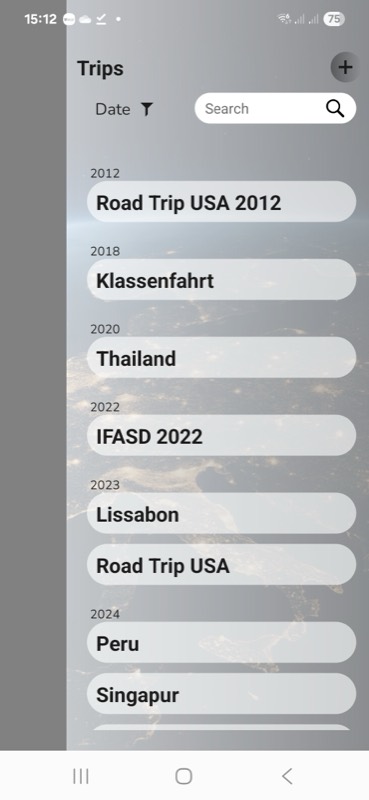
The app notices on its own when you are on the move and keeps every stop — with a photo, the weather and the date. What you make of it is yours to write, later and in peace.

No start button to forget. Journory recognises movement, stops and modes of transport in the background — and only speaks up once you have arrived.
The place is already there, the photos found themselves, the weather of that day is saved. The writing is yours — and that is exactly what makes it your diary.

„Stars underfoot, palm trees in view — the rest I'll write later.“
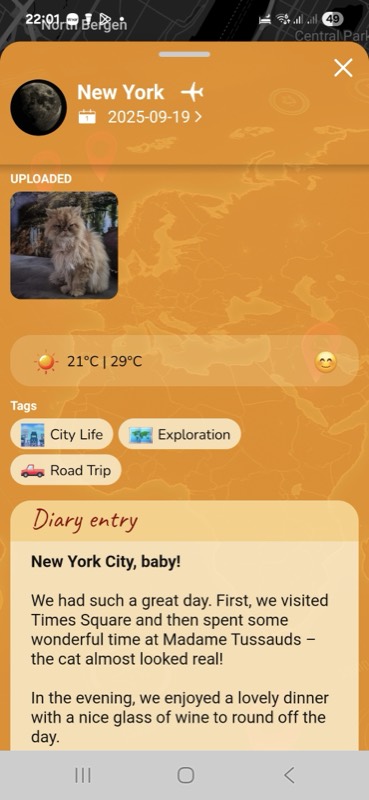

„Spray in the air — between the skyline and the falls.“

„Took the ferry over. Wind, gulls, and a long view.“

„The squirrel posed, granite walls at my back.“
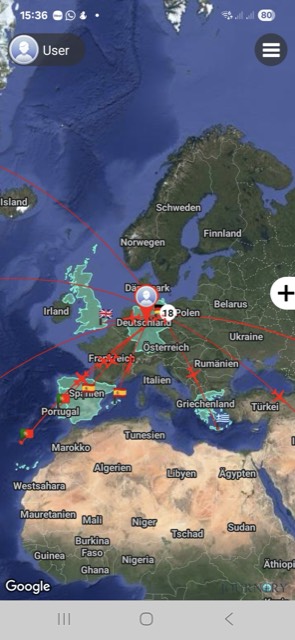
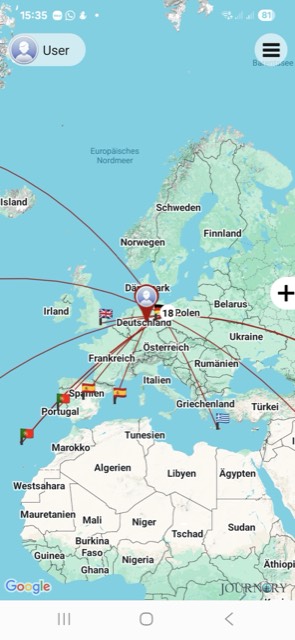
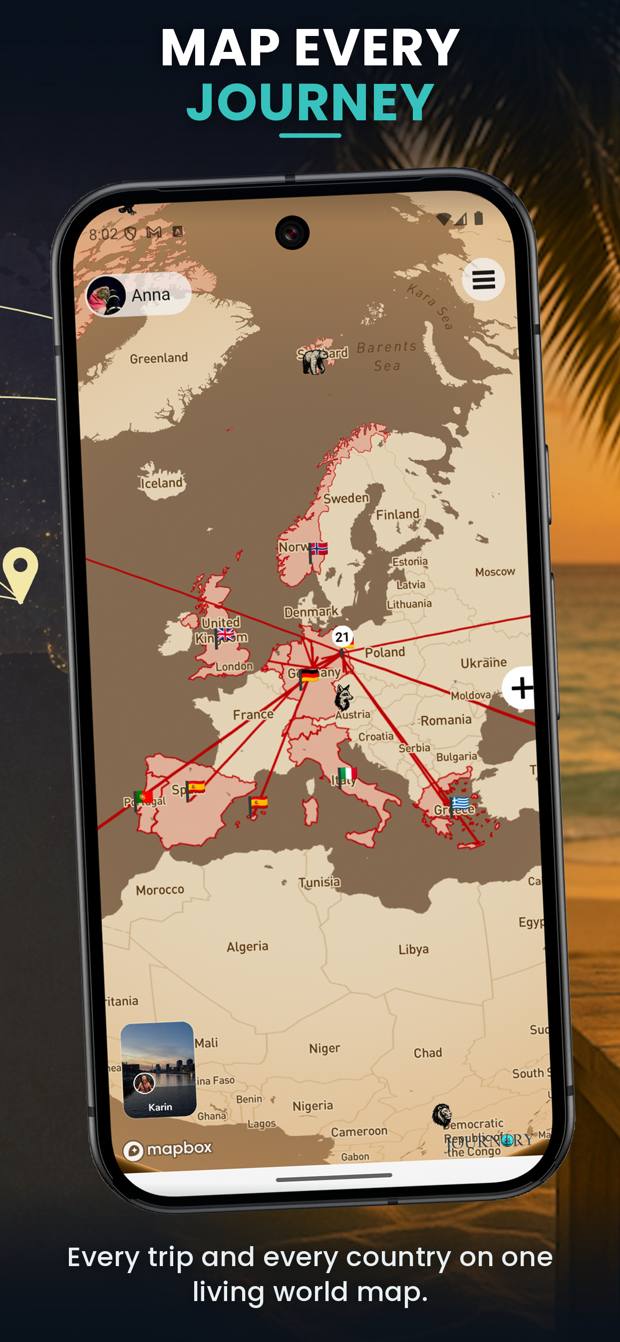
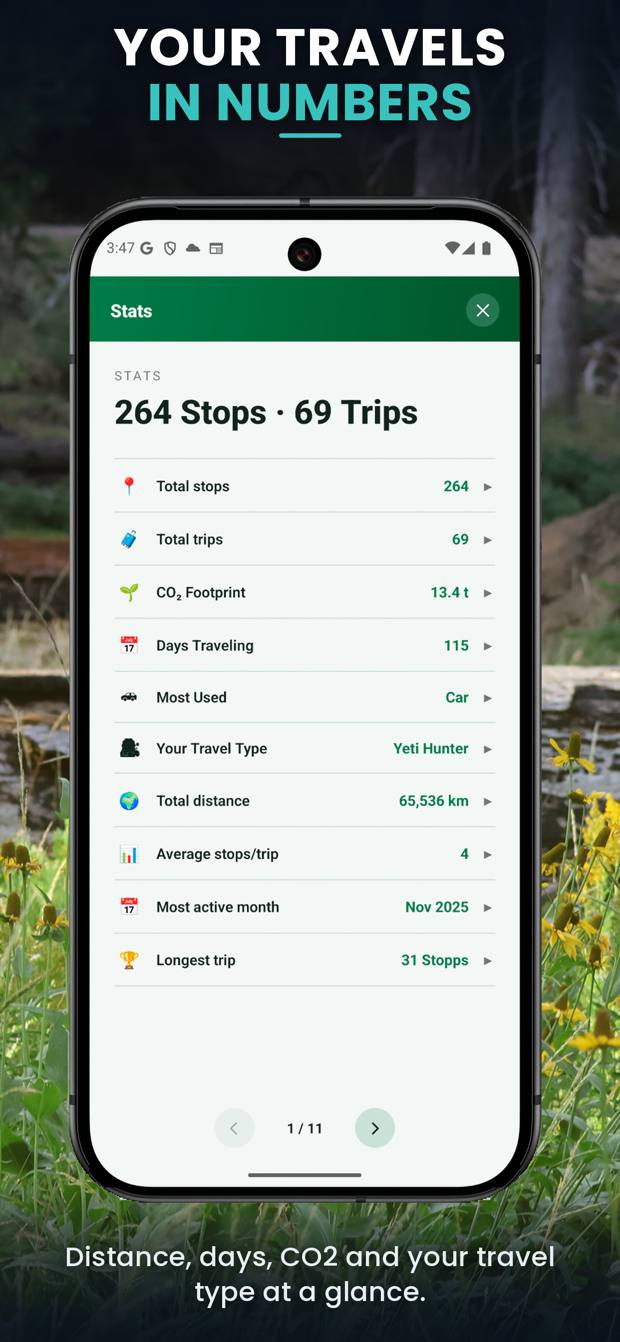
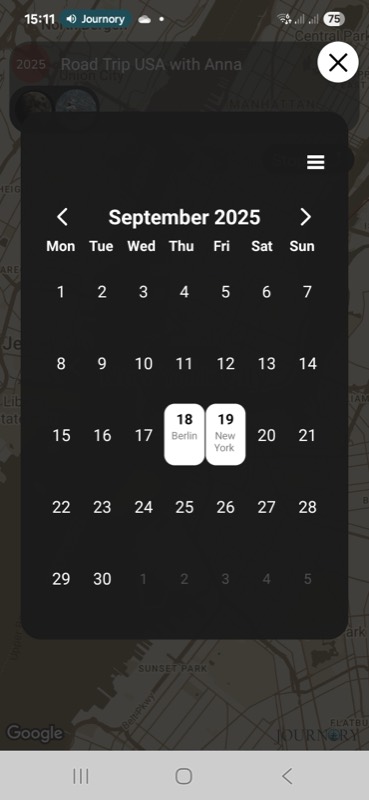
Every stop sits where it happened, countries you have visited fill in, the route draws itself. What you have gathered, at a glance.
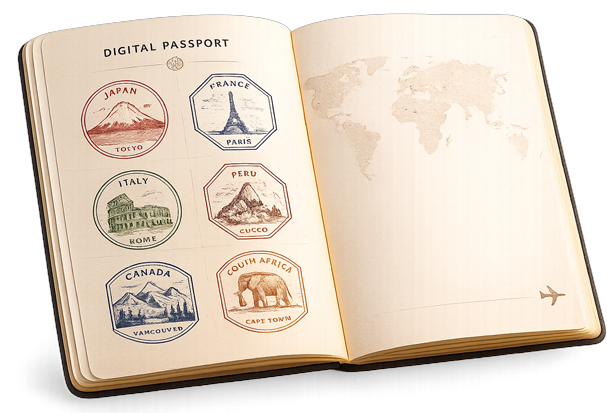
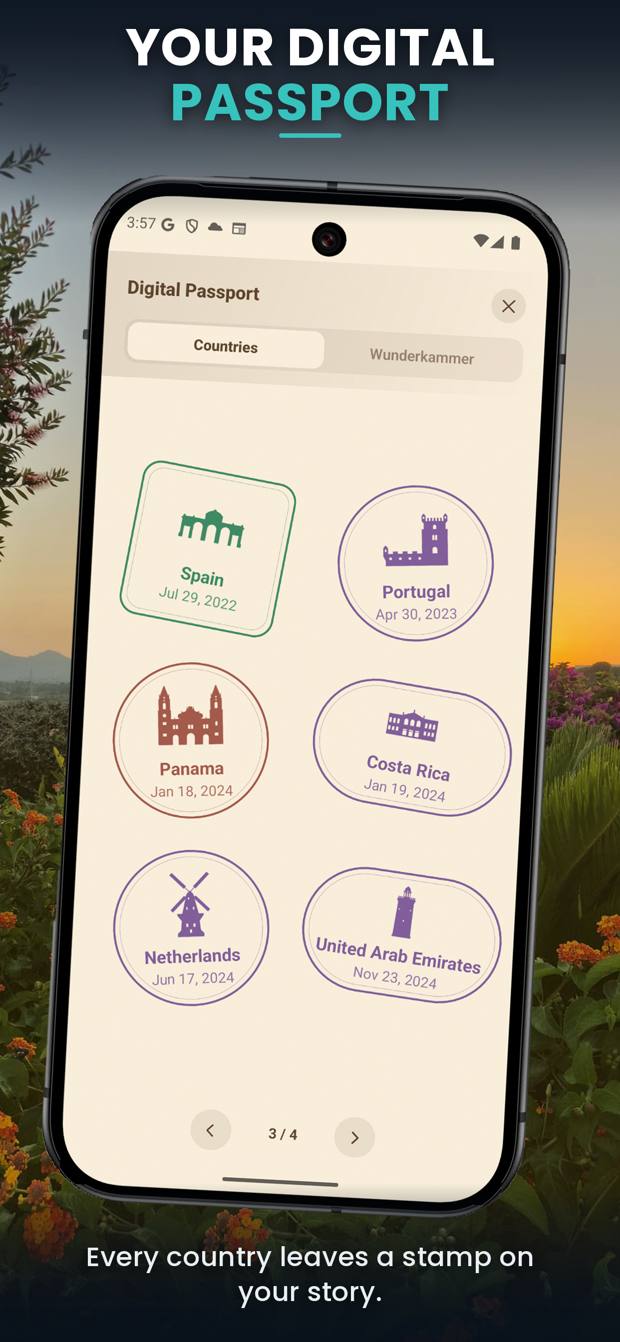
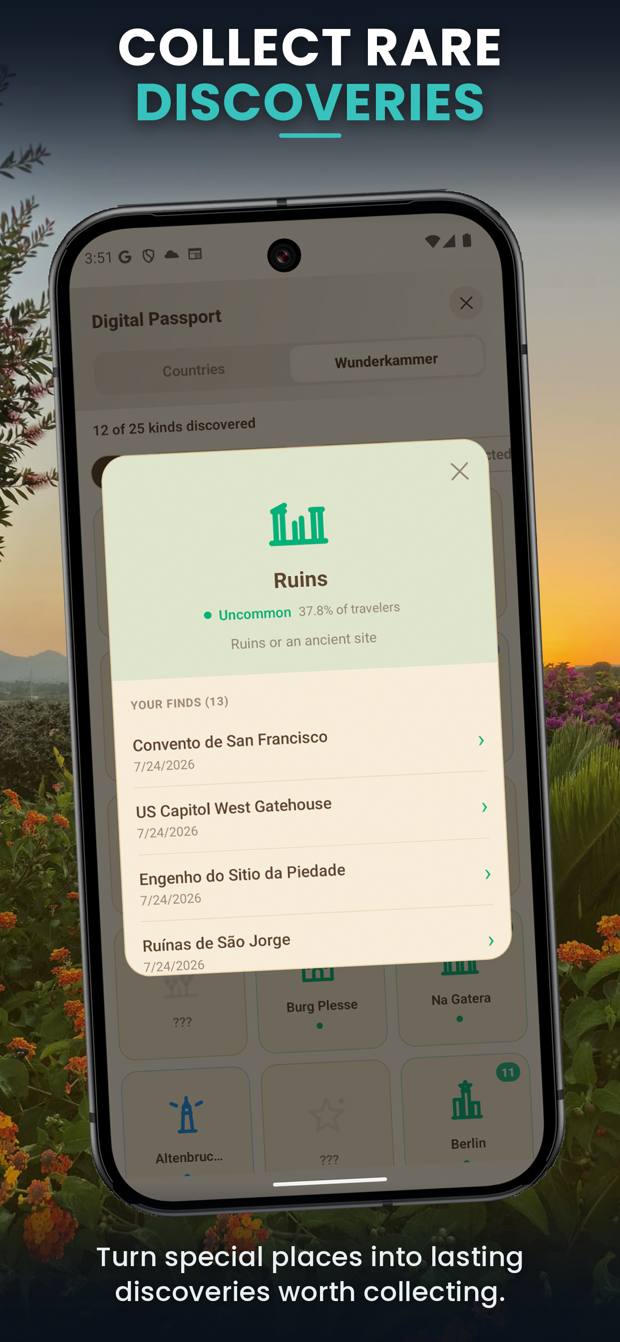
The digital passport fills up as you travel. Along with the cabinet of curiosities: lighthouses, waterfalls, castles, volcanoes — Journory notices what you pass and files it in your collection. No lists to tick off.
And when the road gets long: flag quiz, photo guessing, a map game and memory — with a leaderboard if you want one.
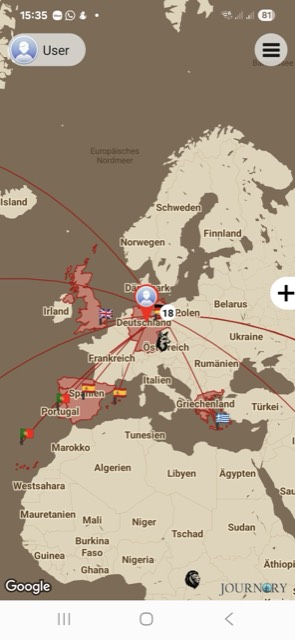
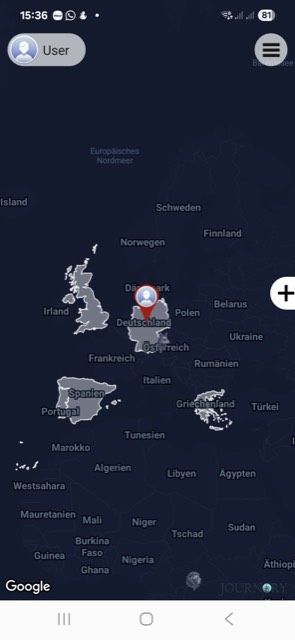
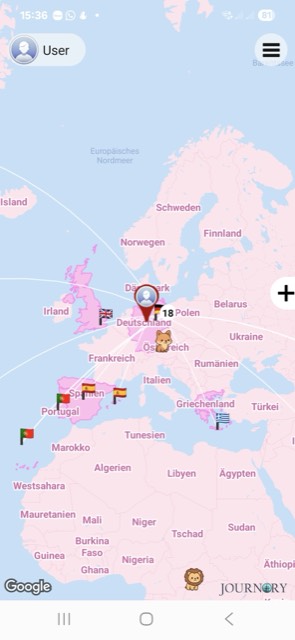
The map carries the mood
A look inside
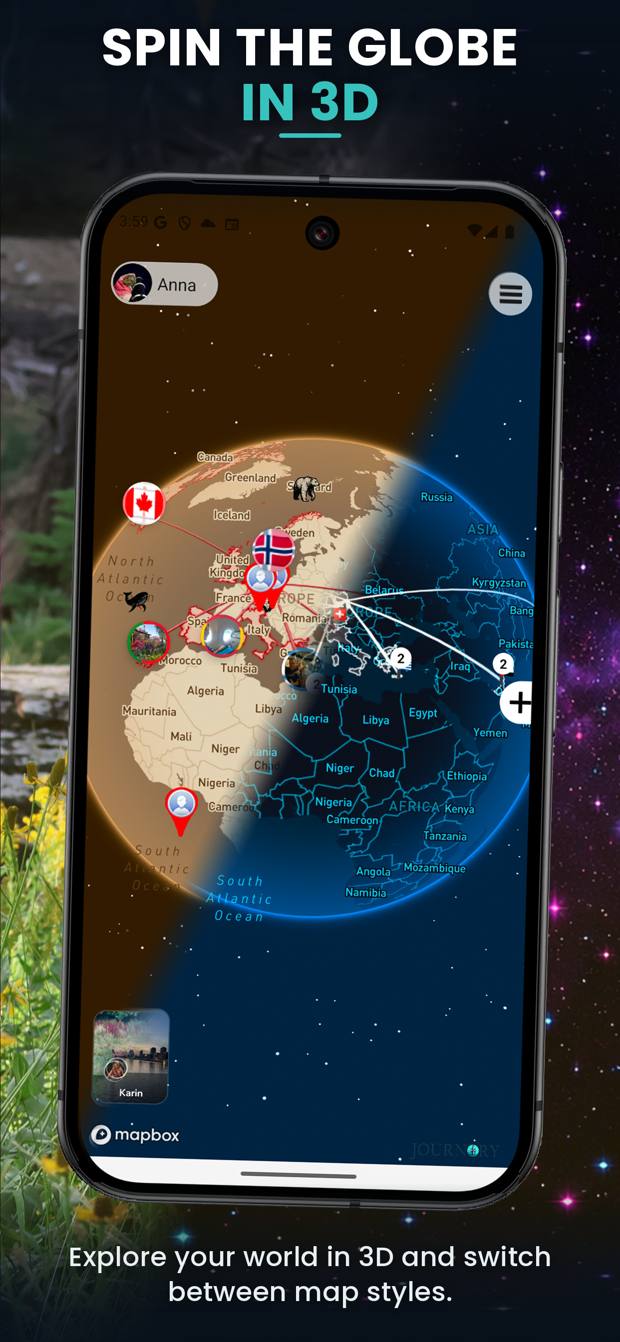
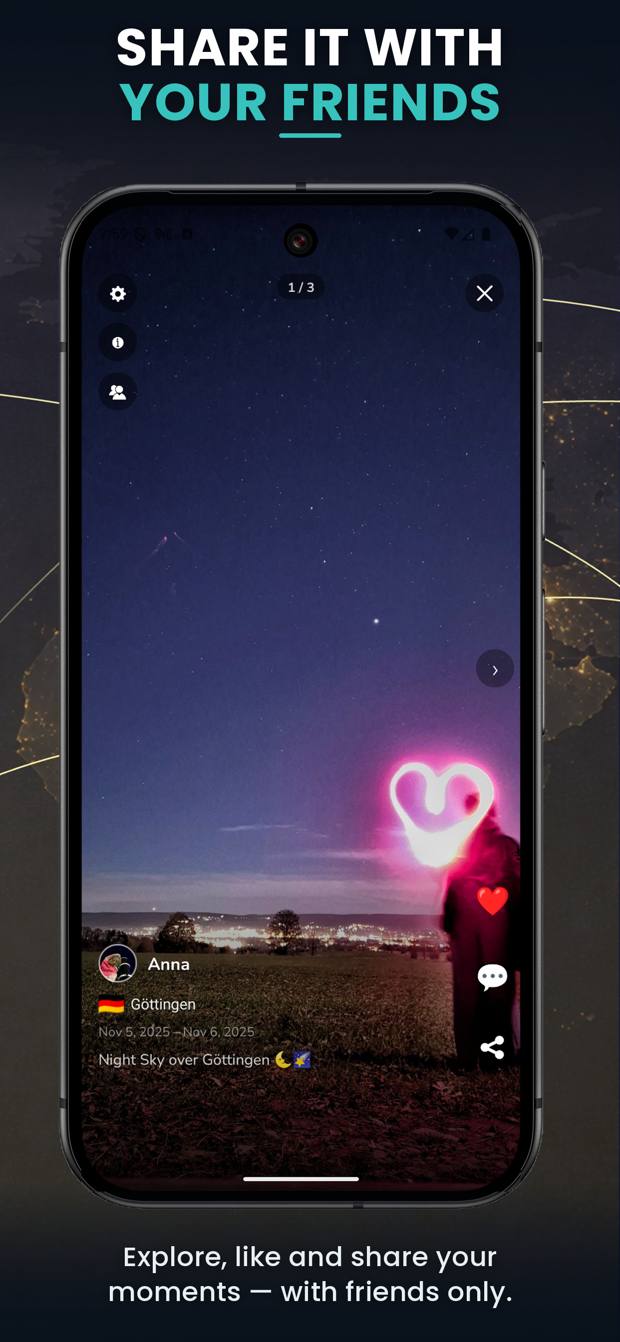
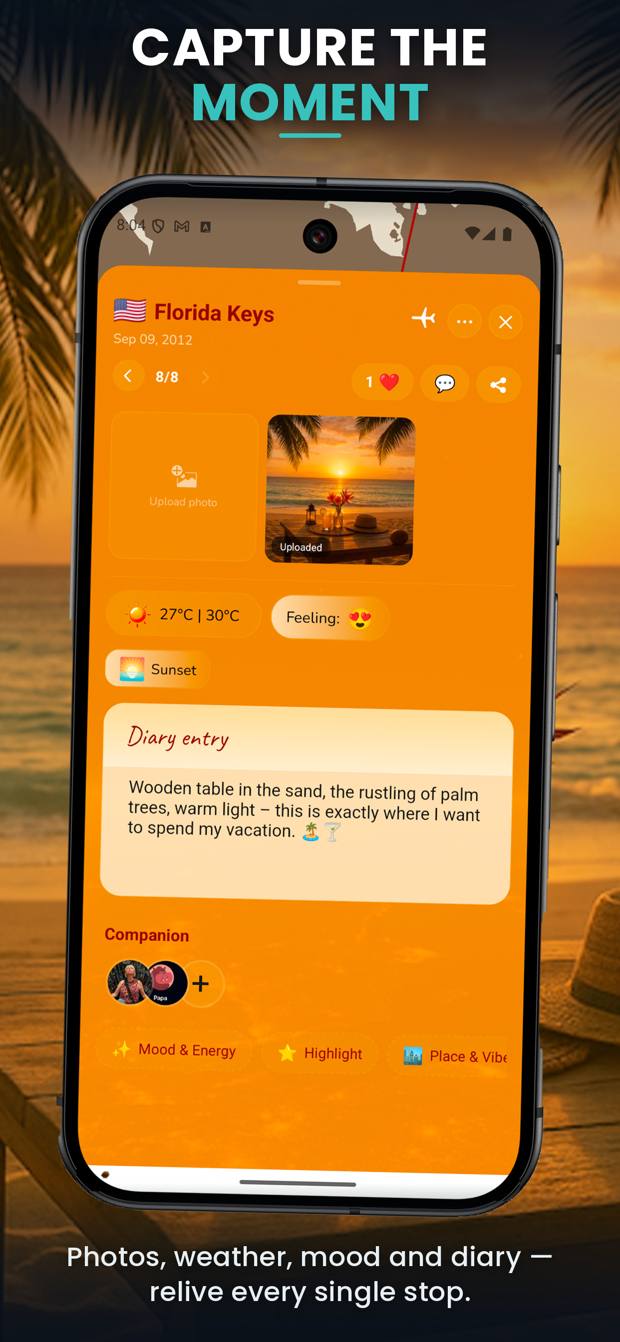
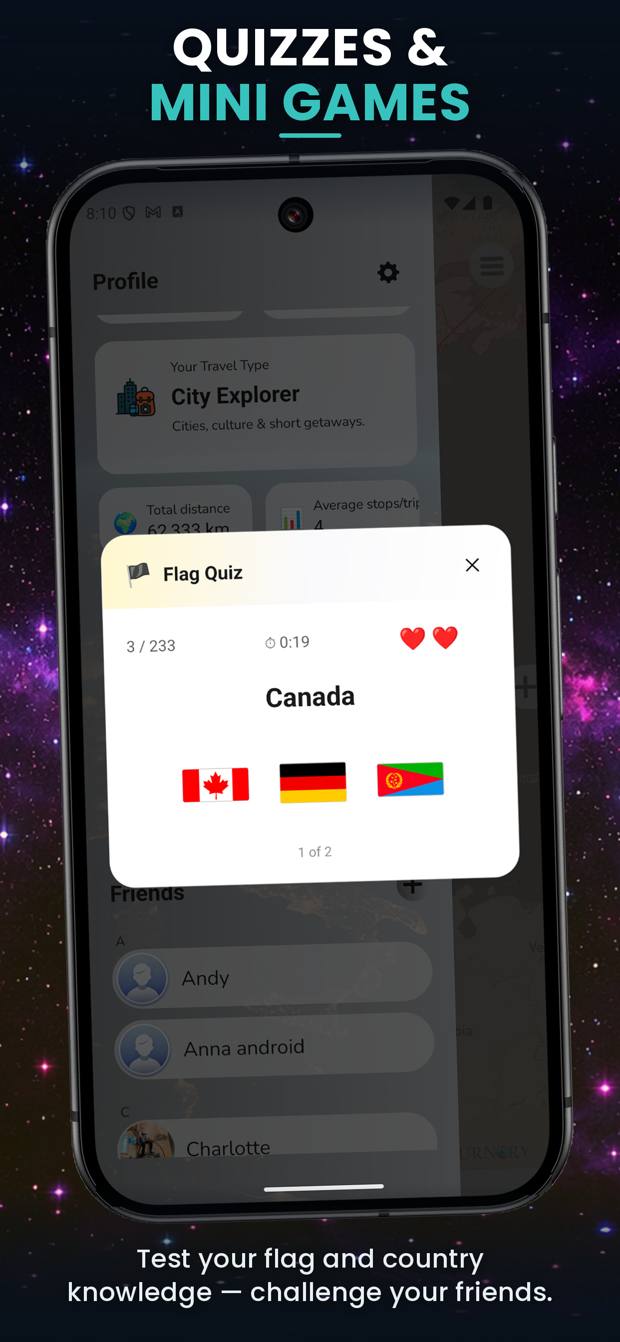
Follow friends, see their stops in the feed, compare your maps. For every trip and every stop you decide separately who gets to see it — public, followers, friends or private.
Birdy comes along on every journey, grows with your stops, gets a home you furnish yourself — and is glad when you come back.



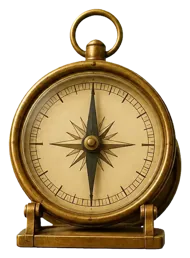



Give it a tap
Birdy lives in a room you arrange: pictures from your trips on the wall, finds on the shelf, the paint colour up to you. Friends may visit — and your photos stay yours.
Journory follows your system — or you decide yourself. Plus four designs that colour the app and the map together: Standard, Underwater, Space, Jungle.
An app that knows where you have been has to earn that. So here it is, plainly: what happens, and what does not.
Your journeys sit on German servers, processed under the GDPR. Details
New journeys start private. Visibility is a decision, not a default.
Your location data does not go to third parties. That is not a setting — it is the ground rule.
Everything can be exported. Deleting your account takes two steps in the app, and it is final.

The free plan is not a trial — 500 stops will last you years. Monthly, cancel any time, billed through the App Store or Google Play.
All the essentials: trip detection, map, diary, Birdy.
Every map style and design, full statistics.
Plus: rebuild past journeys from your photo gallery.
Free · works without an account · 500 stops included
Scan with your phone
Journory reads movement patterns, positions and time windows on your device. A stop is only saved once a trip has been recognised for certain — which is easier on the battery and works without a signal.
Yes, and it is not a trial. The Lite plan covers 500 stops and 100 images, along with everything essential: trip detection, world map, diary and Birdy. It is funded by ads.
Gold (€2.99 / month) raises this to 5,000 stops and 1,000 images, removes the ads and unlocks every design. Platinum (€4.99 / month) brings 50,000 stops, 10,000 images and rebuilding past journeys from your photo gallery.
Any time, between Lite, Gold and Platinum. An upgrade takes effect immediately, a downgrade from the next billing period. If you have stored more stops or images than the smaller plan allows, you will need to reduce them before switching.
Your journeys stay visible and exportable. New stops can then be added within the Lite plan. Cancelling is done through your subscriptions in the App Store or Google Play.
No. You can start as a guest and everything stays on your device. An account is only needed to back up your journeys, use them on several devices or share them with friends.
It sits on servers in Germany and is processed under the GDPR. Your location data is not sold to third parties. You can export or delete all of it. More in the privacy policy.
Export anything you want to keep first — this cannot be undone. An active subscription must also be cancelled in the App Store or Google Play, otherwise it continues. More on this
Something else on your mind? Write to us.
Start free — 500 stops included.
Get it